

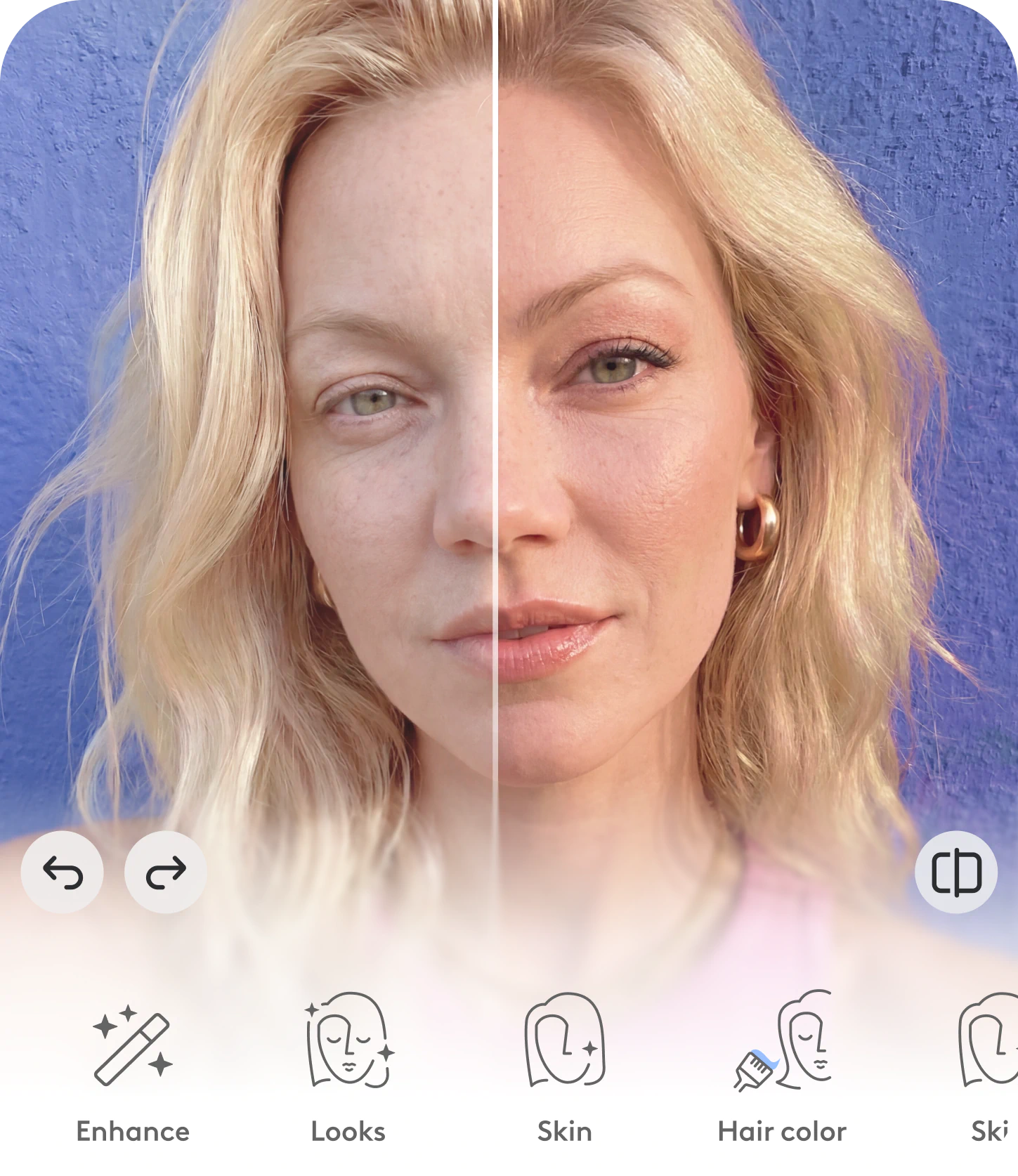
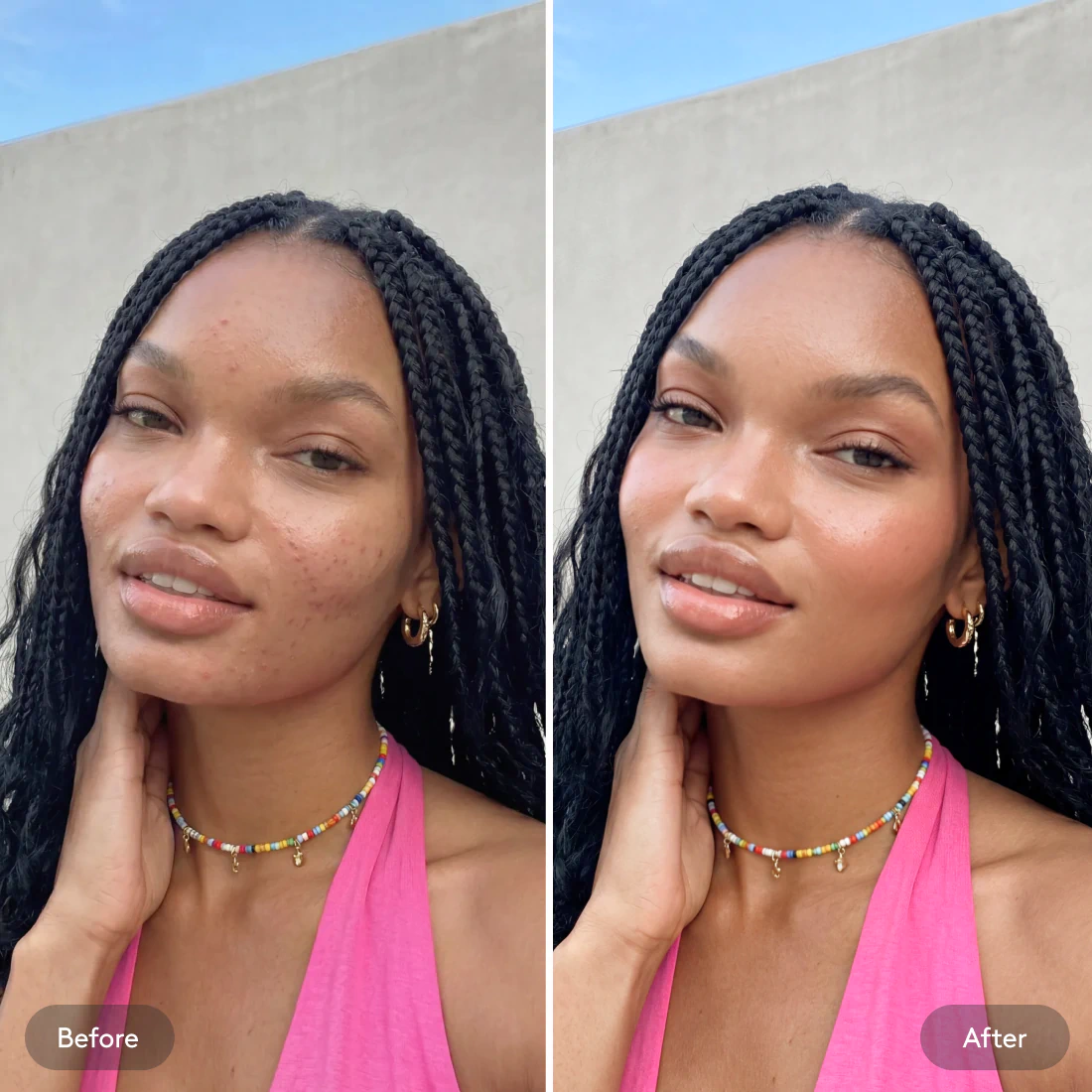

How to edit photos online with Facetune
1
Open Facetune in your browser
Go to Facetune's free online photo editor on your desktop, mobile browser, or phone. No download needed!
2
Upload a photo
Login and get taken directly to the editor to sample photo editing tools for free.
3
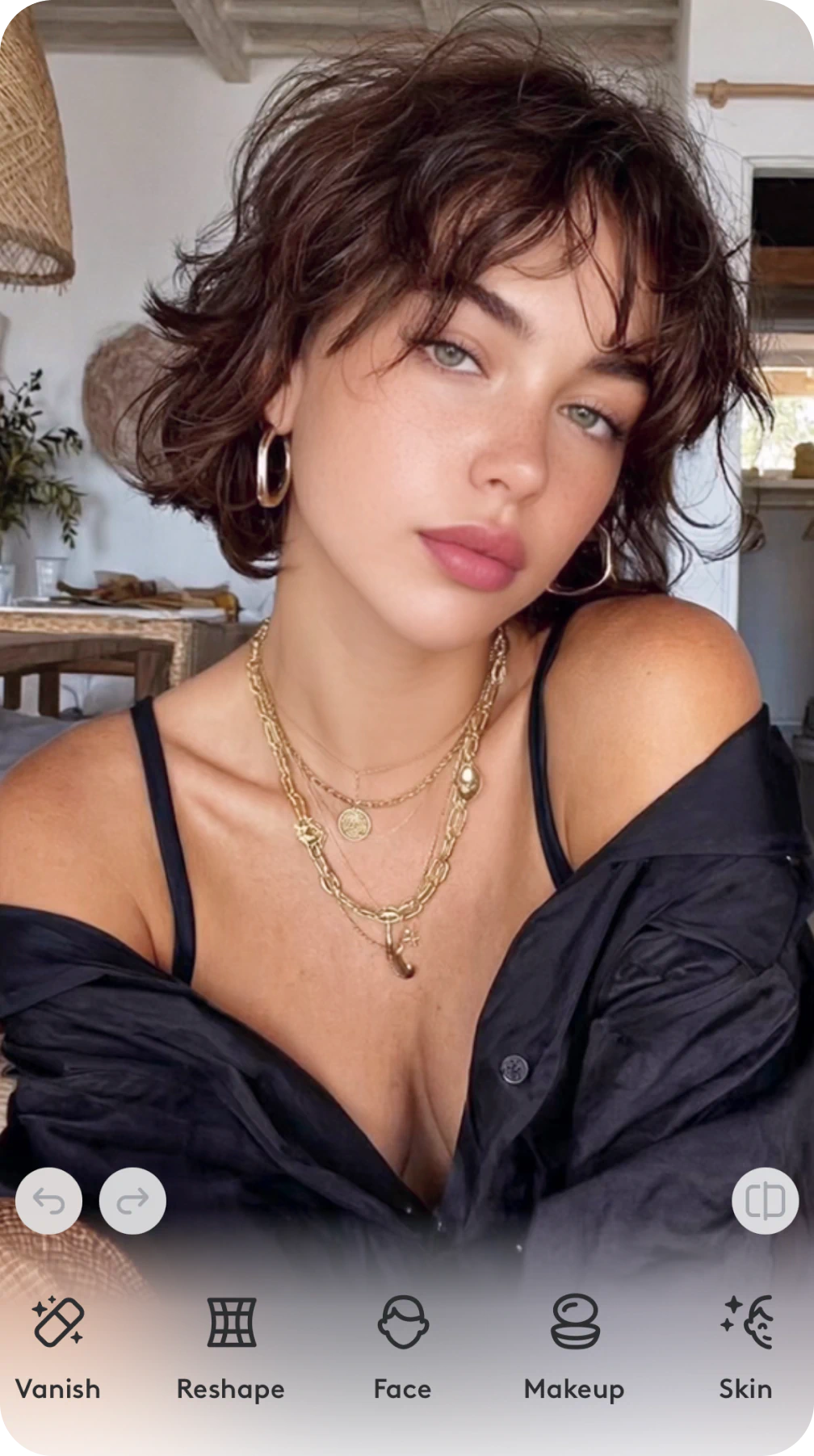
Explore and apply editing tools
Use AI-powered tools to retouch, reshape, enhance, and more.
Explore more related tools
Discover the endless ways you can enhance the look and style of your photos with Facetune’s editing tools.

Eliminar objetos de la foto
Elimina texto, personas y objetos de tus fotos sin esfuerzo con Vanish y obtén los resultados que deseas.

Retoque Fotográfico
Retoca tus fotos con nuestro editor facial: elimina imperfecciones con un toque, blanquea dientes con un deslizamiento y más.

Voltear Imágenes
¡Haz que cada ángulo sea el mejor! Rota imágenes horizontal o verticalmente para lograr esa alineación ideal.

Recortar Imágenes
Destaca las mejores partes de tu imagen. Recorta fotos al tamaño que quieras en un instante con la herramienta de recorte.

Filtros y Efectos de Fotos
¡Haz que tu contenido destaque! Añade filtros y efectos a tus fotos que se adapten a cada estado de ánimo y momento.

Editor de Fotos con Maquillaje
¡Inspírate y prueba las últimas tendencias! Completa tu look chic con filtros de maquillaje.

Eliminador de Fondos
Pasa de un selfie frente al espejo a un retrato de estudio. Elimina fondos de imágenes y personaliza los tuyos.

Iluminador de Imágenes
Ilumina rostros, fondos de fotos e imágenes oscuras—o solo partes—con herramientas fáciles que transforman tus fotos en capturas brillantes y llenas de vida.

Facetune online photo editor FAQ
Can I use Facetune on my computer?
Yes! Facetune is now available as a full online photo editor, no download needed. Just open it in your browser on any computer, PC, or Mac.

Is Facetune available for PC and Mac?
Facetune works on any device with a browser: PC, Mac, tablet, or phone. No app or software installation required.
Do I need to download anything to use Facetune online?
No. Facetune's web editor runs entirely in your browser. Just go to the site, upload your photo, and start editing.
Is the online photo editor free?
Yes. You can use Facetune's free AI photo editor online, no subscription needed to get started. Some advanced features are available with a plan.
Can I use Facetune as a Photoshop alternative online?
Absolutely. Facetune is a free online photo editor and Photoshop alternative built specifically for portraits, with no steep learning curve and no software to install.
Únete a todos,
literalmente a todos
Calificación media en App Store
Opiniones en Apple & Google
Descargas


Haz de cada foto tu mejor versión hasta ahora
No más preocupaciones por el maquillaje, la iluminación o los fondos: nuestras herramientas avanzadas de edición te respaldan.