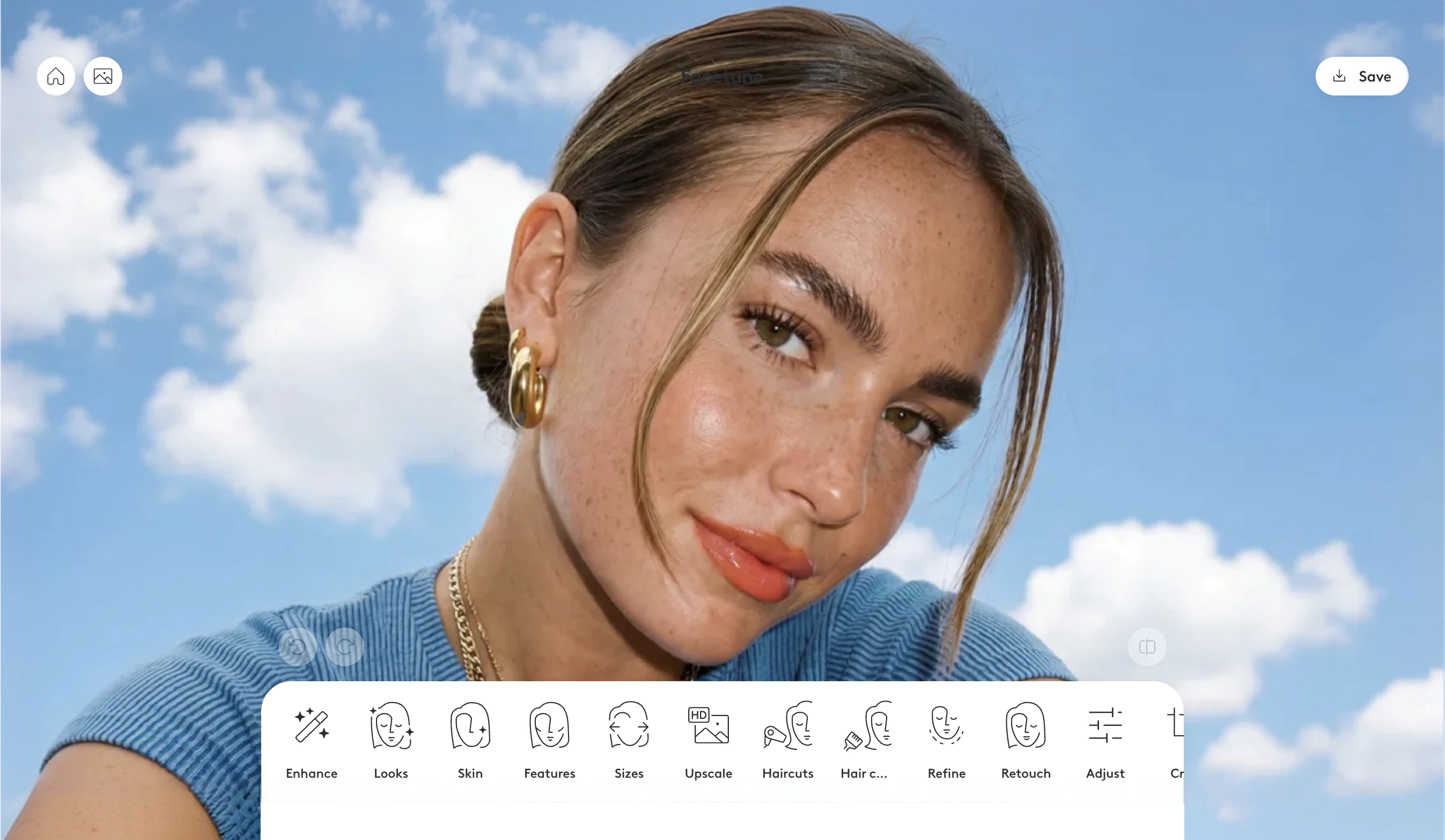

Facetune now works as a photo editor inside your web browser. You can open it on a Windows PC, a Mac, a Chromebook, a tablet or a phone, upload a photo, and start editing without installing anything.
For most of Facetune's life it was a mobile app only, available on iOS and Android. Those apps are still here, and the app still has the full toolset. What has changed is that the app is no longer the only way in.
What you can do in the browser
The web editor focuses on a core set of tools rather than everything in the app:
- Looks: portrait-ready makeup presets, from soft and natural to bold and dramatic.
- Quick edit and skin glow up: fast retouching in a couple of clicks.
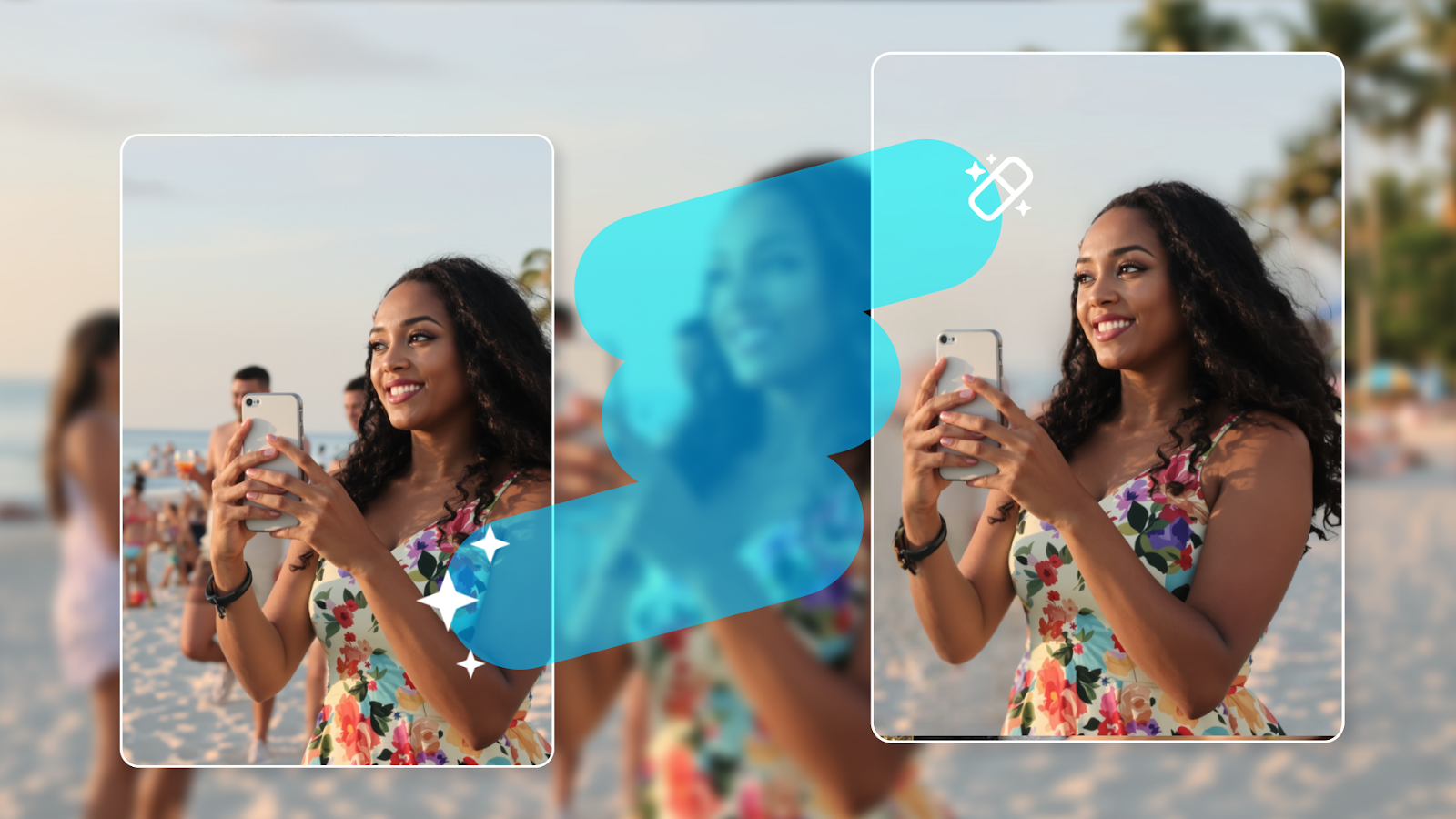
- Remove object: take out people, text or background clutter.
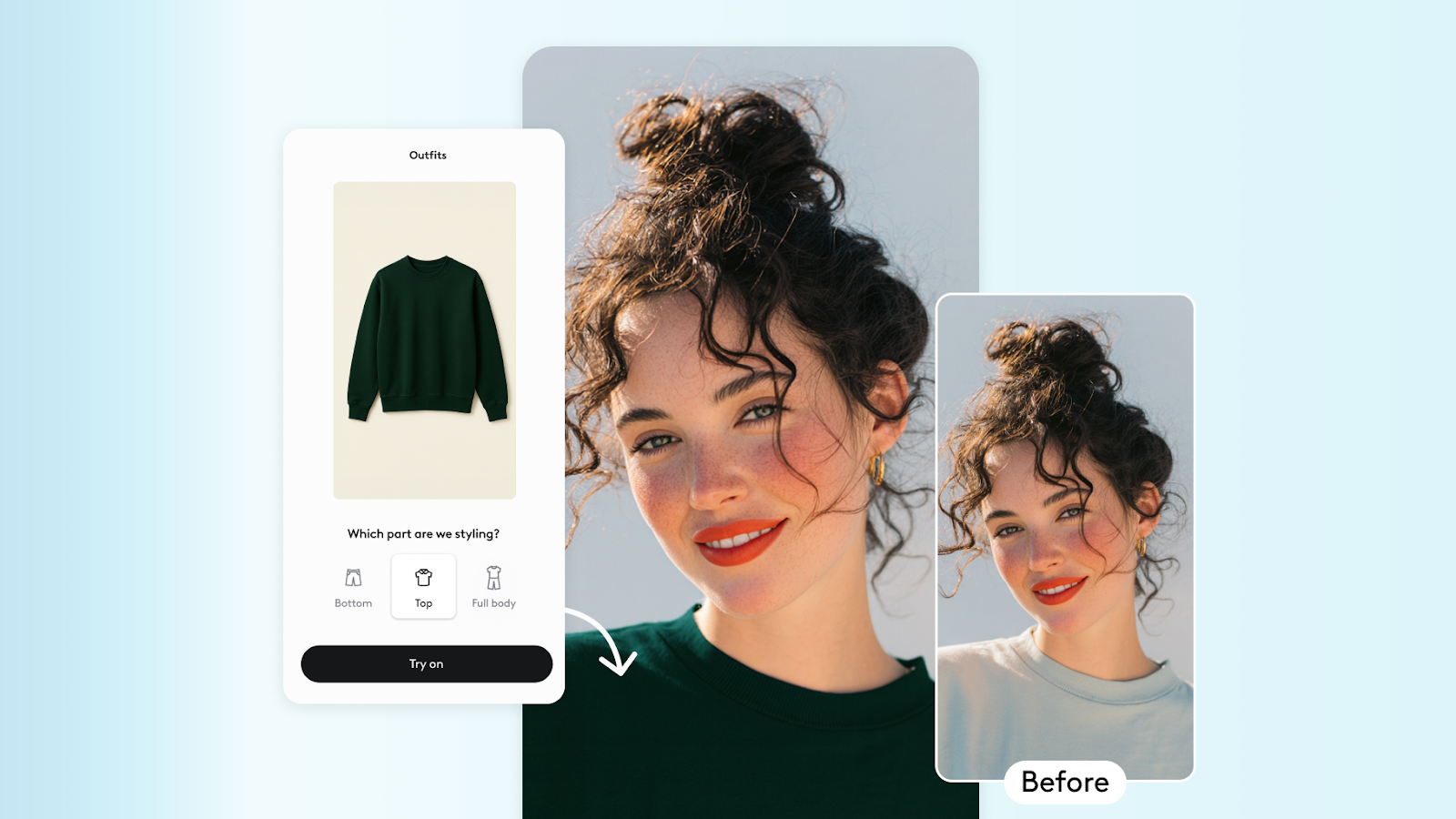
- Hair color and hairstyle try-on: test cuts and shades before you commit at the salon.
- One-tap enhance: fix lighting and sharpness in a single click.
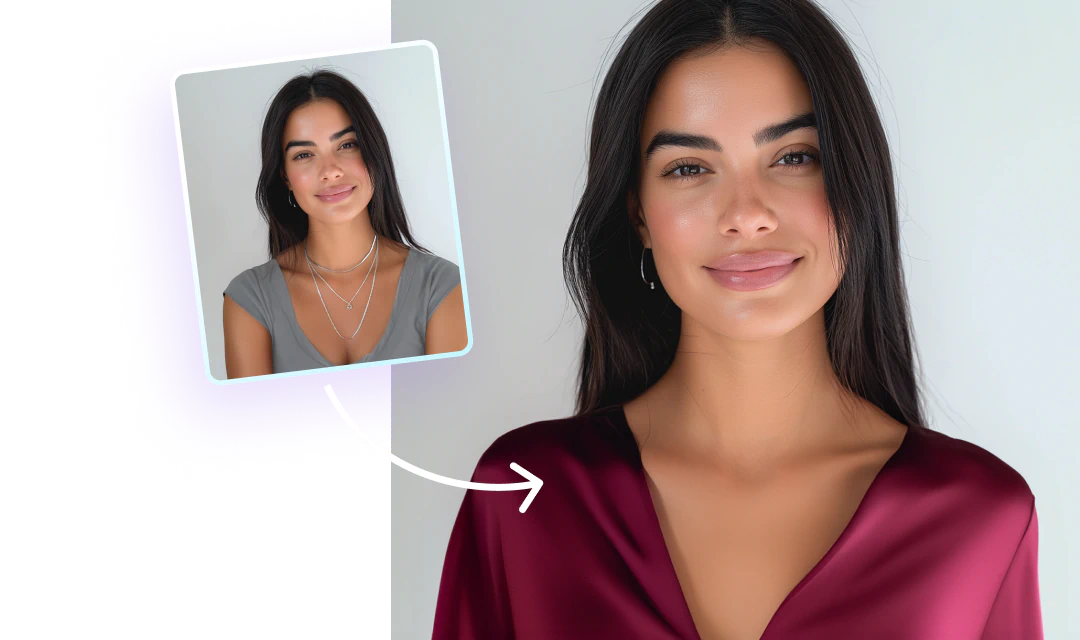
- Headshots: turn a plain selfie into something you would put on LinkedIn.
Everything in the web editor is also in the app, so nothing you learn in the browser goes to waste if you switch. The app simply has more.
How to use Facetune on a PC or Mac
- Open the editor page. Head to the Facetune online photo editor. Any modern browser works, and there is nothing to install.
- Upload your photo right there. Drop an image straight onto the page or pick one from your files.
- Sign in. You land in the editor with your photo already loaded.
- Pick a tool and edit. Adjust what you want, and undo freely if you change your mind.
- Export. Download the finished image straight to your computer.
The whole flow takes about a minute the first time.
Do you need to download anything?
No. The web editor runs entirely in the browser, so there is no app, no installer and no software to keep updated.
It also means you do not need any of the workarounds people used to reach for. If you have ever searched for an Android emulator to run Facetune on a laptop, or wondered whether there was a Mac version hiding somewhere, you can skip all of that. Open a browser tab instead.
One subscription covers both
Your Facetune subscription works across the app and the web editor. If you already subscribe, just sign in on the web and your plan comes with you. There is nothing extra to buy and no second subscription to manage.
Web or app: which should you use?
The app is the more complete product. The web editor is the more convenient one when you are already sitting at a computer.
Reach for the web editor when you are working with photos saved on your laptop or desktop, when you are on a machine that is not yours, or when you want a bigger canvas and a mouse for fine detail work.
Reach for the app when you want the full range of tools, when you are out and shooting, or when you are posting straight to social.
A few common questions
Does Facetune work on a Chromebook? Yes. If it runs a modern browser, it runs the web editor.
Can I use it on my phone's browser? Yes, though the app is a smoother experience on a small screen.
Is it the same Facetune? Same account and same subscription. The web editor currently offers a focused set of tools while the app carries the full range, and everything on the web is also in the app.
Try it
If you have been waiting for a version of Facetune that does not need your phone, this is it. Open the online photo editor and upload something.